About this tool
Choose an image to see it immediately. Set its width, output format and quality. The height adjusts automatically to preserve its shape. Create a result to inspect its actual dimensions and file size.
Changing the image or its settings clears the previous download so the saved file always matches your current edits. File size can increase; compare the actual result before choosing which version to keep.
Exports a still image. Animation is not preserved; SVG is converted to pixels.
Your images stay on this device. Nothing is uploaded.
A real photo, resized without an upload
This mountain photo is a reproducible example, not a promise about every image. We prepared the source JPEG at 2400 × 1600 pixels. In the tool above, choose 1200 px maximum width and 80% JPEG quality, then create the result. The downloaded JPEG measured 1200 × 800 pixels.
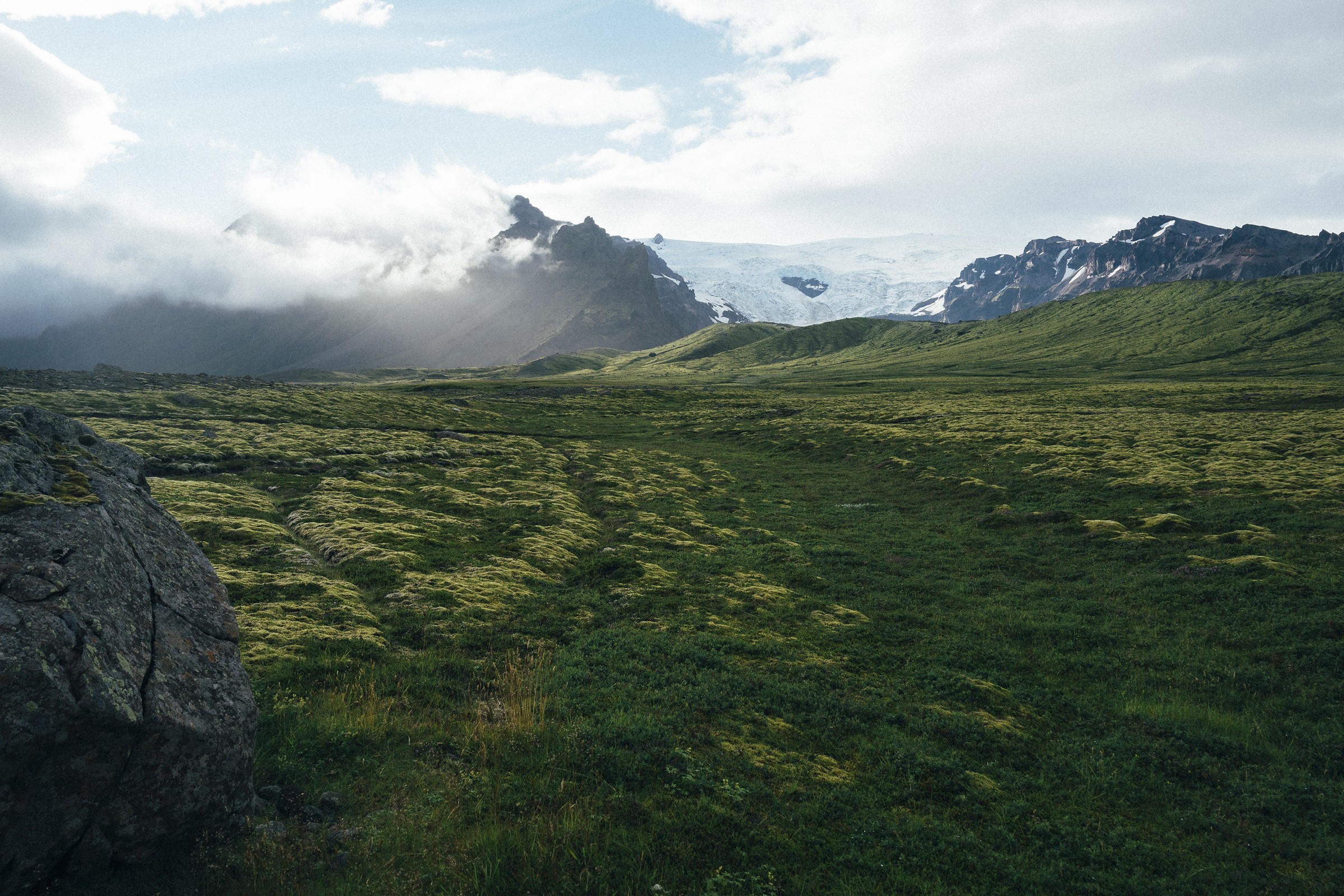
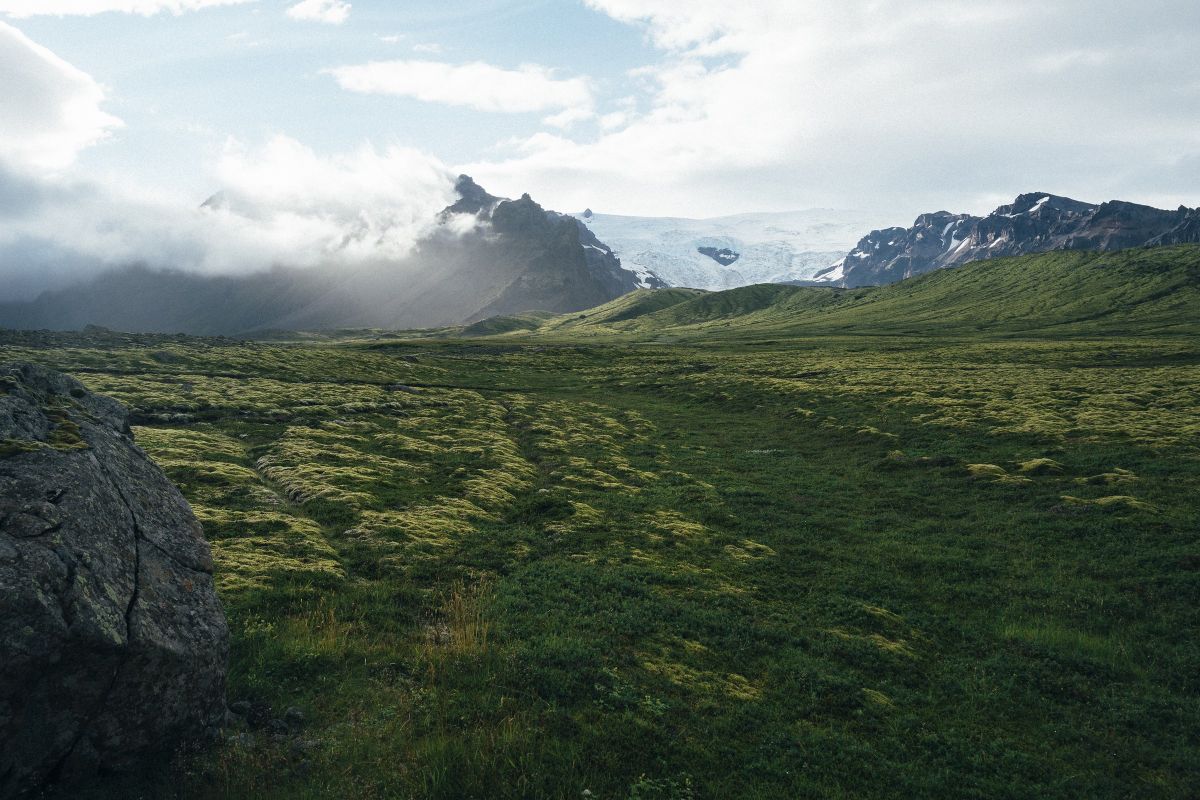
Inspect your result at its intended display size before downloading. The smaller file may lose fine detail, and other browsers or photos may produce different sizes. PNG keeps its PNG format here; the JPEG quality setting does not shrink PNG. The original file stays on your device. Need a different format? Try Convert to WebP. Need to remove location or camera metadata? Use Remove EXIF separately.
The displayed previews may be recompressed by the site's CDN, so their transfer sizes can differ from the figures above. The two download links serve the exact JPEG bytes used for this comparison. Photo: www.Pixel.la Free Stock Photos, via Wikimedia Commons, CC0. We cropped and resized the public-domain original to prepare the downloadable source JPEG.
.jpg)